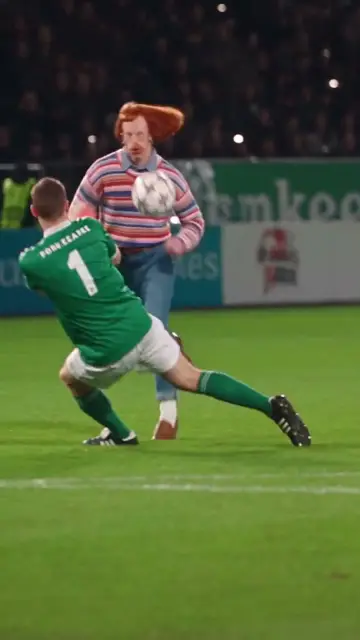
How to make the Burning Bridges AI video
Three steps from one photo to the Burning Bridges clip, the other ways to make it compared, which photo works best and what people ask.
Make the Burning Bridges video in three steps
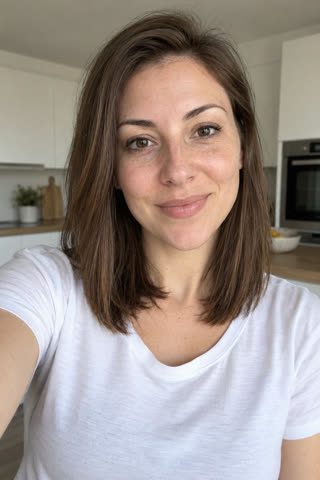 Upload one photo.Pick the length and tap the button. You sign in only when you pay.
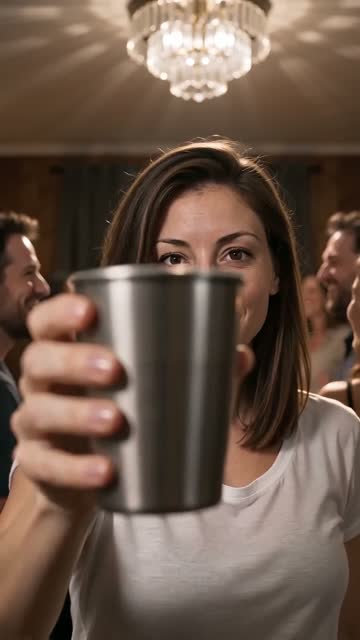 We render your take.Usually 2–4 minutes. Same scene, same moves, with you in it.
- Download and post.Add the trend's sound in TikTok so it lands on the trend page.
Other ways to make the Burning Bridges video
Reelsame needs one photo and your browser. No app to install, no template to find, no prompt to write.
| Route | Price | Sign-up | Length | What it takes |
|---|---|---|---|---|
| Dreamina (DIY prompt) | HK$119/month for 725 credits | Yes | Varies | Bring your own prompt; no free trial, watermark removal is paid |
| CapCut | — | CapCut account | — | No Burning Bridges AI template found on Oct 27; the one named "Burning Bridges" predates the song |
| Reelsame (this site) | $5.90 | At payment | 10s | One photo in your browser: no app, no template, no prompt. 720p. Failed renders refund credits |
Prices checked on Oct 28, 2026. They change often; check each site before you pay.
Photos that work best
- Just you in the photo, looking at the camera
- Waist up or more, so your outfit carries into the party
- Face in good light, no sunglasses or masks
- No mirror selfies and no phone in your hand
What people ask before they pay
Is it free?
Can I make it without CapCut?
How long is the video, and how long does it take?
Does it come with the song?
What if the result does not look like me?
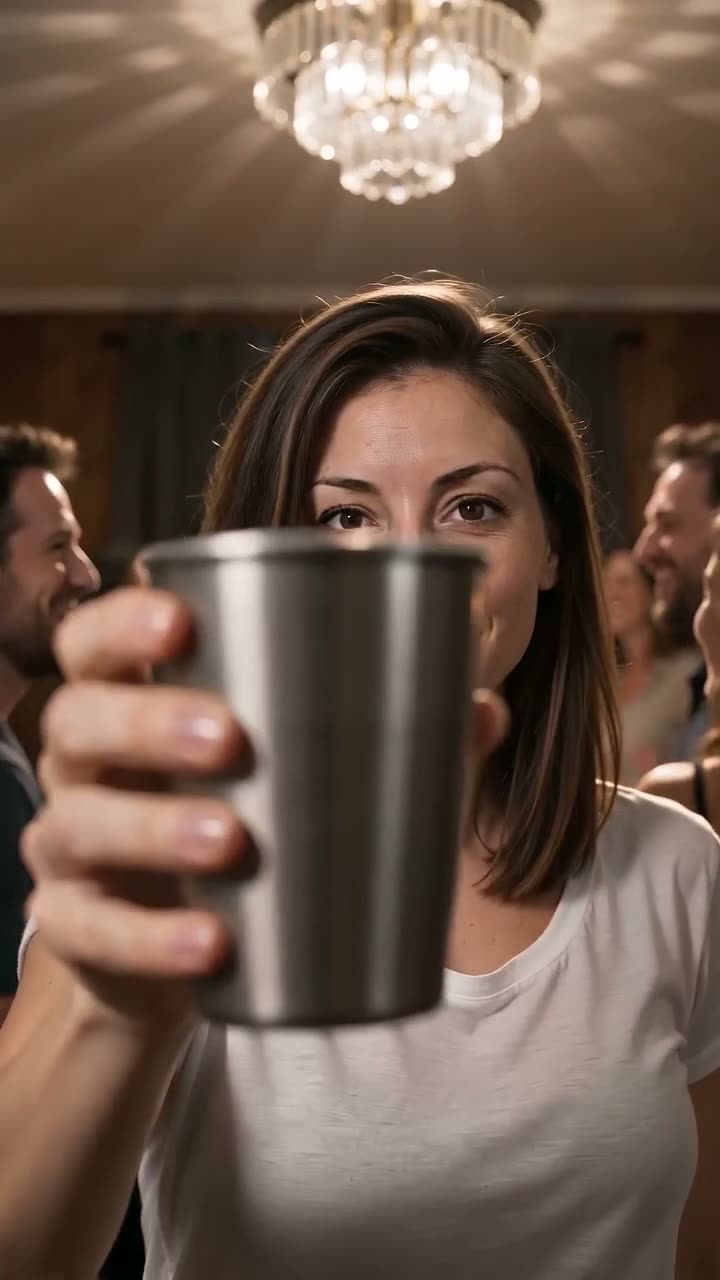
Ready for your Burning Bridges?
One photo, $5.90 per video. Failed renders refund automatically.
Make one of these now
Live templates: one photo in, your video out.